Who is this for?
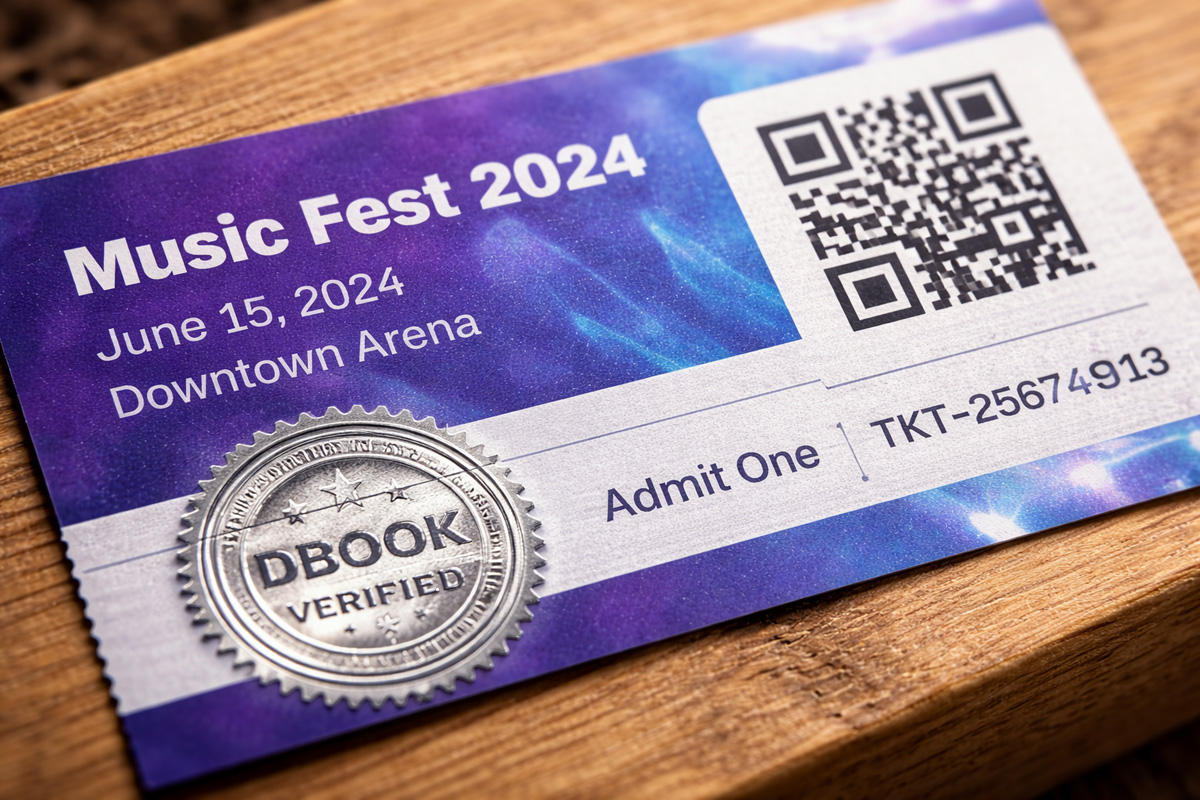
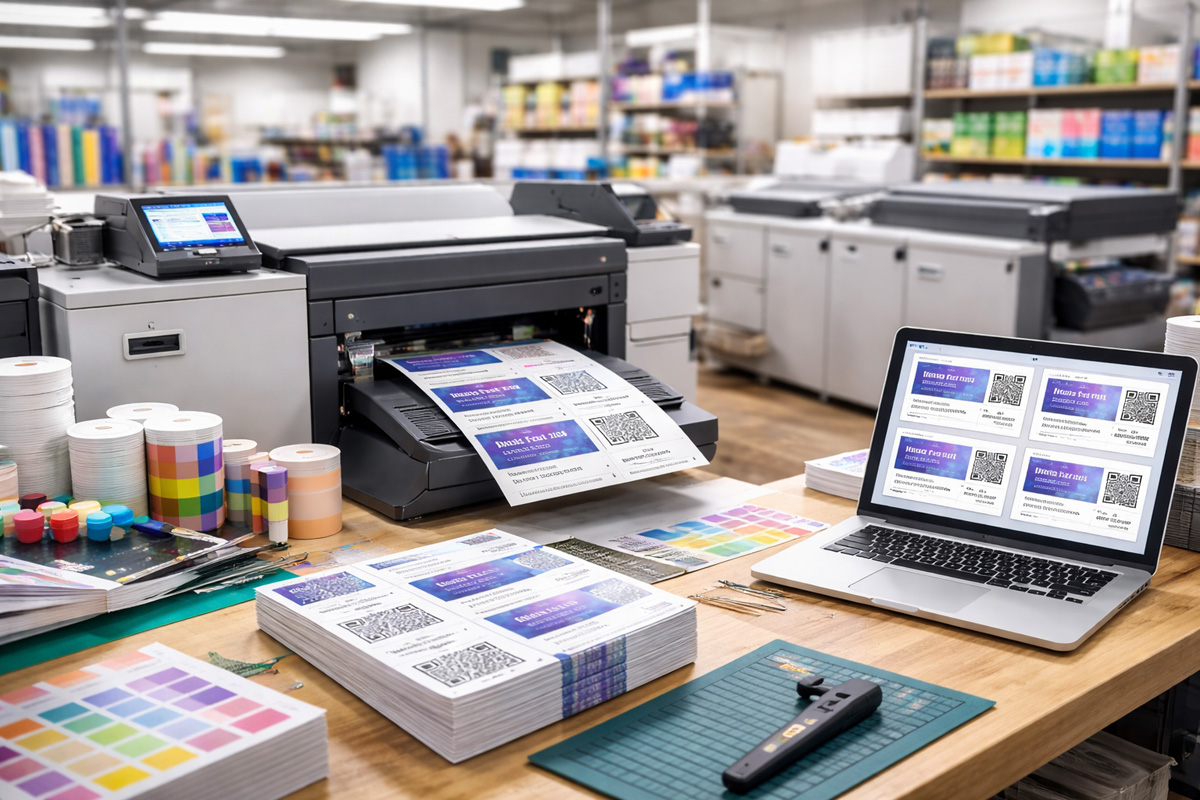
This article is intended for anyone looking to print custom-designed QR code tickets and use Dbook's app to scan and verify them. It is ideal for offline passes, print shops, and graphic designers.
Prerequisites
- Create a Dbook Account
- Load up with required credits. View Pricing
- Get your custom ticket design ready.
- Make sure the printer is working
Tutorial
Create Event & get started
Upload custom ticket & design
Design Ticket
After creating the event, upload poster and navigate to "Additional Features" and enable "Custom Ticket". Now navigate to "Custom Design" and start designing the ticket UI. Enable the fields you want to be printed on the ticket, drag and resize as explained in the above video.
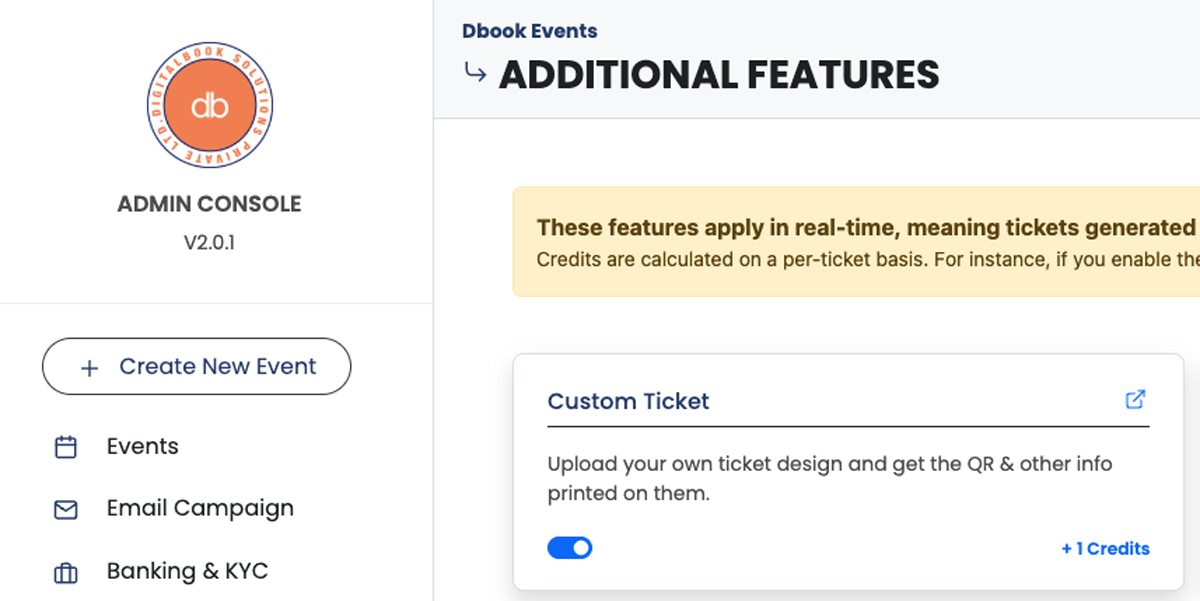
Now save the ticket design and head to "Ticket Downloads".
There are multiple ways you can do this, either downloading at bulk or by uploading the CSV of your contacts.
Generate QR code tickets and download the tickets in jpeg format labled by wither contact name or serial, depending on the type of ticket generation wizard used.
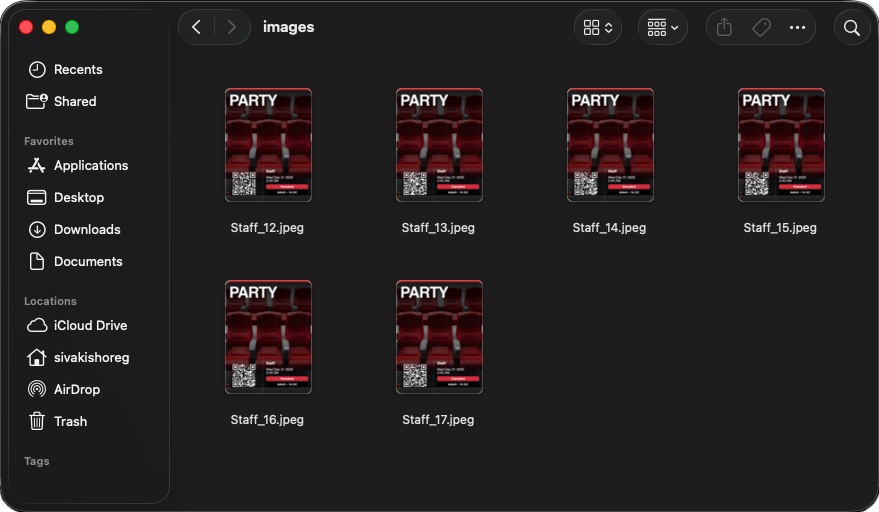
Print Ticket
This you can do it in multiple ways,
- Use any graphic design software to load up all tickets and print.
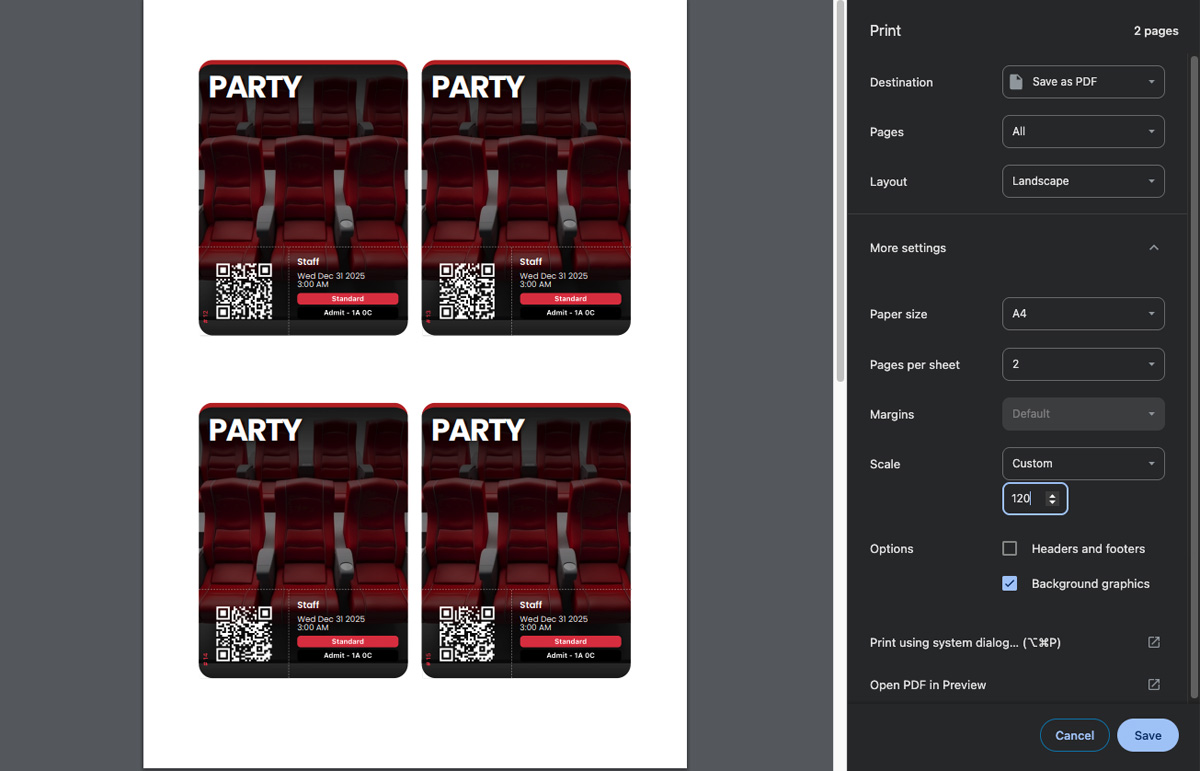
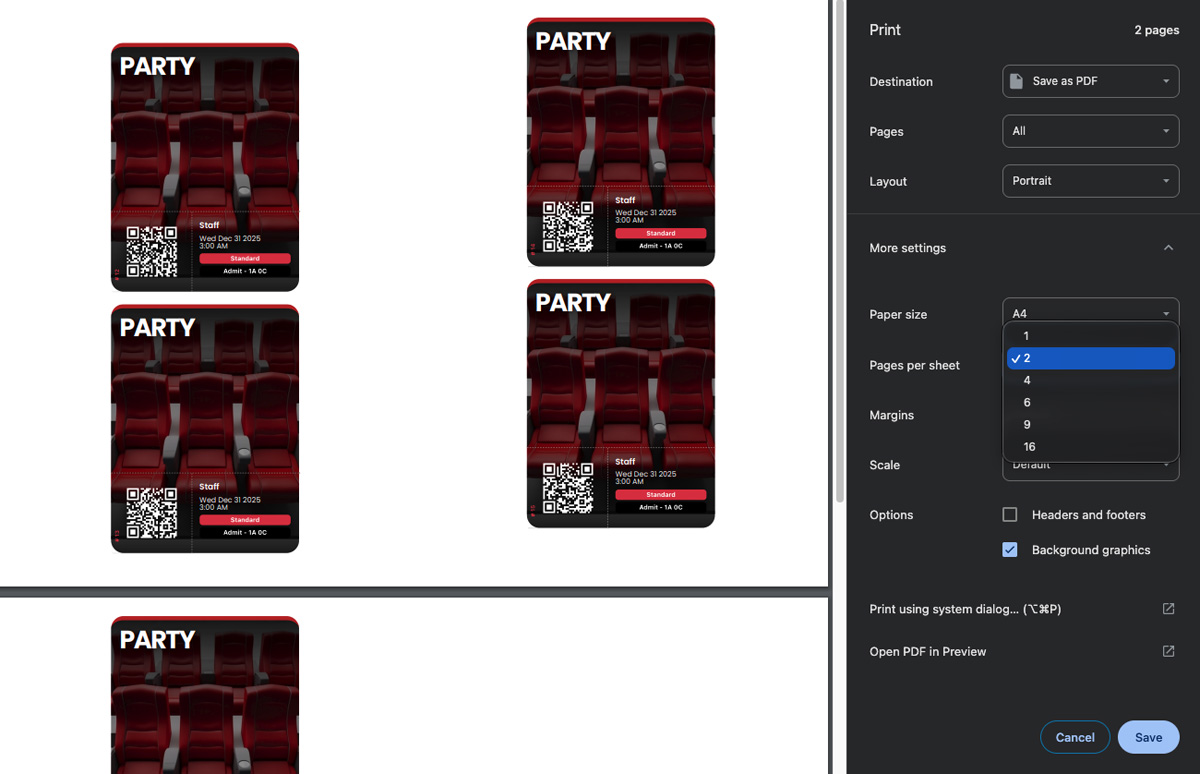
- Use the browser's print command and save as PDF. This require a bit of trail and error with the scale, sheets per page and margins to get the required size and number of tickets per sheet.
Unique QR Codes
Each ticket has a unique QR code which when scanned will validate only once. Subsequent scans will show a "Deny Entry" notification on the app. However, we have other modes in our system to make the QR scan multiple times. You can use this when the event span multiple days or you want to scan the QR code once for each guest in a group ticket.
What data is in QR Code
The QR code is basically a DBOOK URL, an online version of the ticket.
Security
QR codes can be validated only through our mobile app and only when scanned by an authorized manager or event organizer. As these are paper-based tickets, the QR codes are static, which carries a small risk of duplication and potential unauthorized entry. Since each QR code can be validated only once, the first person to present the ticket will be granted entry. If an imposter uses a duplicated ticket, the original guest may be denied entry.
So you might ask, how to overcome this?
Its hard! You can make it tougher but somewhere there is still a way to duplicate!
Lets discuss the options you have!
- Create a secure hologram on the ticket.
- Add name or phone number fields to the ticket to manually verify if in doubt.
- Insist the guest not to share the ticket.
- Rubber stamping the ticket or sticking an embossed sticker.
- Emboss each ticket while distribution (Most Effective).